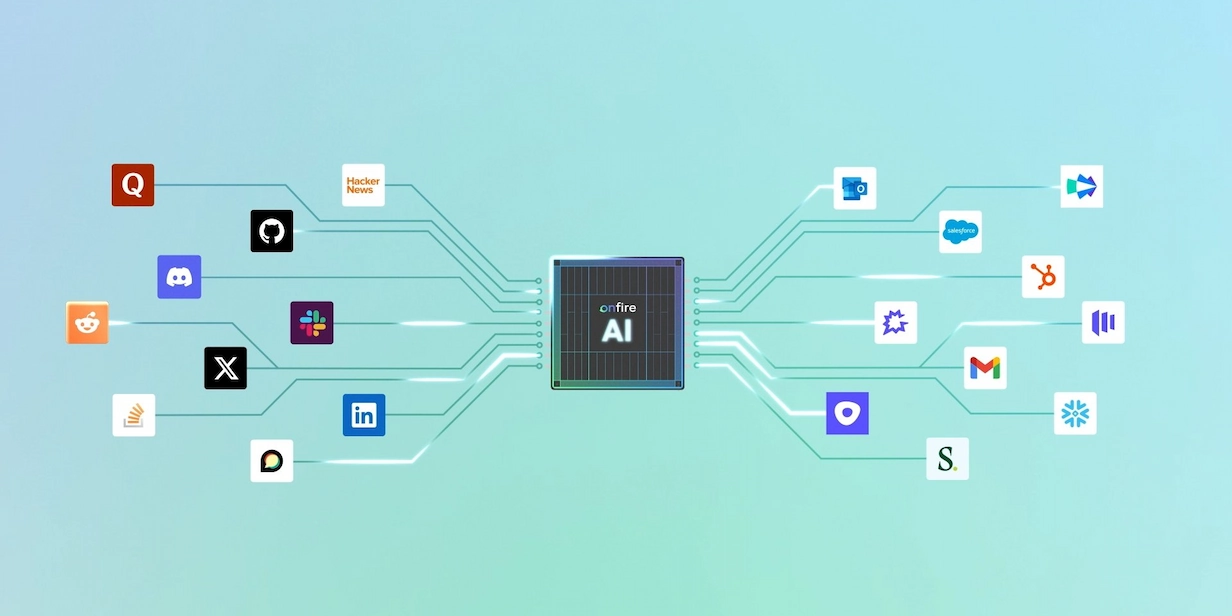
AI Data Enrichment: Beyond Prompt Engineering



Most data enrichment tools have used AI for ages (back then, it was called “machine learning”). But with LLMs, you can automate a lot more of the enrichment process. This article explains how to get the most out of your enrichment workflow, economically, at enterprise scale.
What is AI Data Enrichment?
Data enrichment is when you take basic information, like a name and a company domain, and you fill in missing fields like the job title, company size, tech stack, funding stage, and contact details. Most enrichment tools used machine learning for years to complete simple tasks like matching records, resolving duplicate entities, guessing email formats, and classifying companies by industry.
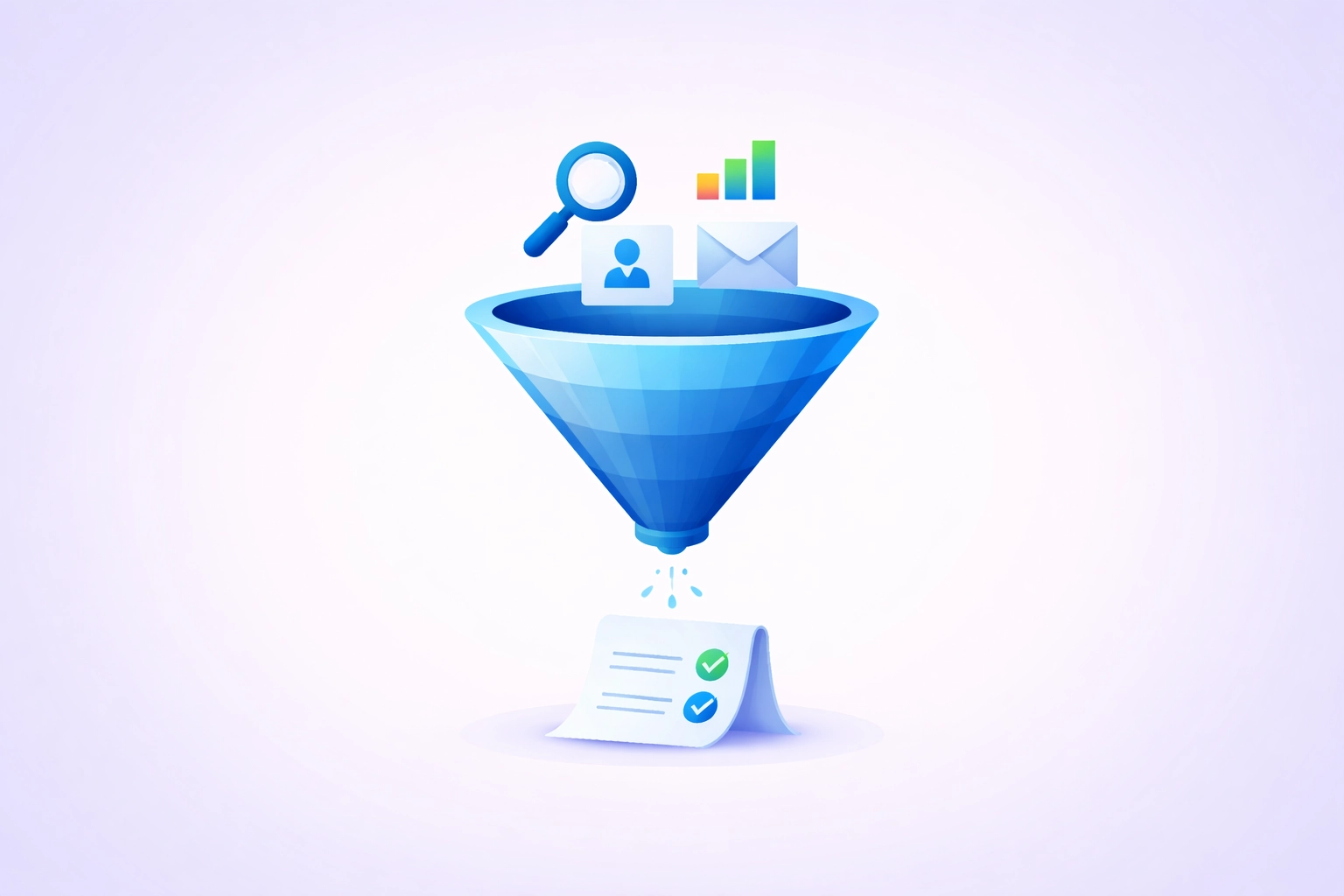
However, LLMs are a big leap forward in capability. Using a modern LLM or AI agent, you can use reasoning loops to infer data from multiple sources to get more flexible and accurate enrichment. In practice, you can have your agent:
- Search for the company or person across several sources (website, LinkedIn, job posts, GitHub, news)
- Read what it finds and decide what’s relevant
- Cross-check conflicting signals, such as a LinkedIn headcount against what the careers page suggests
- Search again if something is still unclear
- Return an answer, ideally with the sources it used.
How to Use AI for Data Enrichment
If you want to set up your own data enrichment workflow, work with an agent, not a chatbot. Agents like Claude and Codex run for longer, call APIs, and store data in interim files, which leads to more accurate, comprehensive data.
It can be tempting to start by having your agent research the web, but it’s actually far more effective to start by feeding them context about your ICP, closed-won deals, and buying personas. The idea here is to tell your agent what matters for you so it knows what to focus on, rather than guessing your intent.
Connecting your agent to your CRM is absolutely essential for that context to make its way into the enrichment process. By now, virtually every CRM has an MCP server that you can connect to your agent with a few clicks. However, you’ll probably still need to spend some time explaining how the data works to make sure that your agent doesn’t misread important fields.
Connect your agent to the public web
You’ll also want to enable browser use so your agent can flexibly connect information from the web. Yet because many sites block agent access, you’ll need to do more if you want to get data from places like LinkedIn. To make sure they can “see” into every place with relevant information, have your agents use API-based tools like Apify to scrape data from job boards and social media sites.
With web search, browser use, and a few scraper APIs, your data enrichment flow should be good enough to get you a few hundred contacts each month. However, even a well-equipped agent is limited to publicly available information. That means that while it’s great for some fields, it won’t perform well on others, so you should be cautious about spending tokens on the wrong workflows. This table breaks it down:
A note on compliance
Scraping and storing personal data comes with legal obligations, especially if you sell into Europe. This isn’t legal advice, but keep the following in mind:
- Have a lawful basis. Under GDPR, most B2B outreach relies on “legitimate interest,” which means the processing has to be relevant to the person’s professional role and balanced against their privacy.
- Collect only what you need. Enriching fields “just in case” increases your risk without improving your outreach. Define the fields that matter for your ICP and stop there.
- Stick to professional data. Work emails, job titles, and company information are generally fair game. Personal social profiles, home addresses, and personal phone numbers are not.
- Be ready to tell people where you got their data. GDPR requires you to inform people when you’ve collected their data from third-party sources, typically no later than your first contact with them. Requiring your agent to log a source for every field makes this much easier.
- Respect platform terms. Some sites prohibit scraping in their terms of service, so check before pointing a scraper at them.
- Set a retention policy. Delete or refresh data you’re not using, and honor opt-outs across every system the data flows into.
If you’re unsure where your workflow stands, talk to your legal team before you scale, not after.
What to Do When You Start Hitting Cost Constraints
Agent-based enrichment is expensive because every step multiplies the one before it. For a single contact, your agent might run several searches, open a handful of pages, read through each one, and reason about conflicting results. That is a token-heavy workflow.
Here’s how to think about your spending:
AI GTM cost = reps × accounts per run × people per account × model price
(If you don’t want to do the math, just use our AI GTM calculator.)
For example, if you’re at a scaleup selling to enterprises, you might have 20 reps with 100+ accounts each and 30+ people per account, you can expect to spend over $900,000 on research with Sonnet 5. That’s quite a lot!
To keep costs down, follow these best practices:
- Enrich accounts once, not per contact. Company-level research (funding, headcount, tech signals) is the same for everyone at that account, so store it and reuse it.
- Match the model to the task. Use a cheaper, lighter model for extracting fields from pages, and save the flagship model for reasoning through conflicting signals.
- Only enrich the fields you’ll use. Every extra field means more searches and more pages read.
- Turn off web search when it isn’t needed. Reformatting or deduplicating data you already have doesn’t require browsing.
Even with these optimizations, agent-based research stops making economic sense somewhere around a few hundred contacts a month.
The Accuracy and Consistency Challenges of Enterprise-Scale AI Data Enrichment
Beyond cost, the complexity of scaling AI data enrichment beyond a few hundred monthly contacts comes with its own accuracy and consistency headaches. When you enrich a manageable number of contacts, you can check the results yourself. But as you scale, you lose that guardrail and errors start adding up.
For instance, across a large batch, fields often drift. If half your contacts say “Series A” and the other half say “Raised $XM,” that’s now a data cleaning assignment. And if you enrich a contact in March and again in June, you’ll have no way to tell which version is correct.
And then there are the cases where there was no publicly available info, so your agent just made something up. When deals hang in the balance, you don’t want to bet on a fable. This is especially true of teams selling software infrastructure. Your accounts might have flashy web pages, but they don’t list their deep tech stack out in the open. If you need data that’s not publicly available, AI agents are essentially blind.
How to Add Depth to Your AI Data Enrichment Flow Using Onfire
If you’re looking to scale your data enrichment workflow and you’re in a sector that requires real depth, you need access to data that you simply can’t find online. That is why we built Onfire to give GTM teams the sort of fine-grained insights that allow you to contact multiple people on a buying committee at once, pinpoint the budget holders, and speak to the exact technical challenge a customer faces.
Onfire does this by tracking 50 million engineers and over 100,000 dev-centric data sources globally. Yet perhaps more importantly, we deploy it with FDEs that analyze your GTM motion, identify your ICP, define the “golden personas” you should be reaching out for, and then fine-tune the platform to align with your needs.
That way, Onfire doesn’t simply enrich data and leave you to make sense of it yourself. Instead, it enriches data and takes care of the analysis so your reps get a prioritized list of warm leads, not a science problem.
And with the Onfire MCP server, you can easily plug it into your agent, cut out the token-hungry research processes, and automate the busywork so you can spend more time selling.
Skeptical? See what Onfire finds with your data.
FAQs
What is AI data enrichment?
AI data enrichment is the process of using AI to fill in missing information about a contact or account, such as job title, company size, tech stack, funding stage, and contact details, starting from basic inputs like a name and company domain. Modern LLM-based agents go beyond older machine learning methods by searching multiple sources, cross-checking conflicting signals, and reasoning about which data is most likely correct.
Should I use a chatbot or an AI agent for data enrichment?
An agent. Agents like Claude and Codex can run for longer, call APIs, and save data to interim files as they work, which produces more accurate and complete results than a back-and-forth chatbot conversation.
What context should I give my AI agent before it starts enriching data?
Start with your ICP, closed-won deals, and buying personas before letting the agent research the web. Connecting your agent to your CRM (most CRMs now offer an MCP server) is the most reliable way to supply that context, though you’ll likely need to explain how your CRM fields work so the agent doesn’t misread them.
How can an AI agent get data from sites like LinkedIn that block bots?
Browser use and web search will cover much of the public web, but many sites block agent access. For job boards and social platforms, have your agent use API-based scraping tools such as Apify.
What accuracy problems come up when scaling AI enrichment?
There are three main issues: field drift (the same data recorded in inconsistent formats across a batch, like “Series A” vs. “Raised $XM”), versioning conflicts (no way to tell which of two enrichment runs is correct), and hallucination (the agent inventing data when nothing is publicly available). At small volumes you can spot-check results, but at scale those errors accumulate unnoticed.
How does Onfire improve AI data enrichment?
Onfire tracks 50 million engineers and over 100,000 developer-centric data sources, giving GTM teams insight that isn’t available on the public web. Forward-deployed engineers analyze your GTM motion, define your ICP and golden personas, and tune the platform so reps receive a prioritized list of warm leads. The Onfire MCP server plugs directly into your agent, replacing token-heavy web research.
.webp)










%20(1).webp)














































.webp)