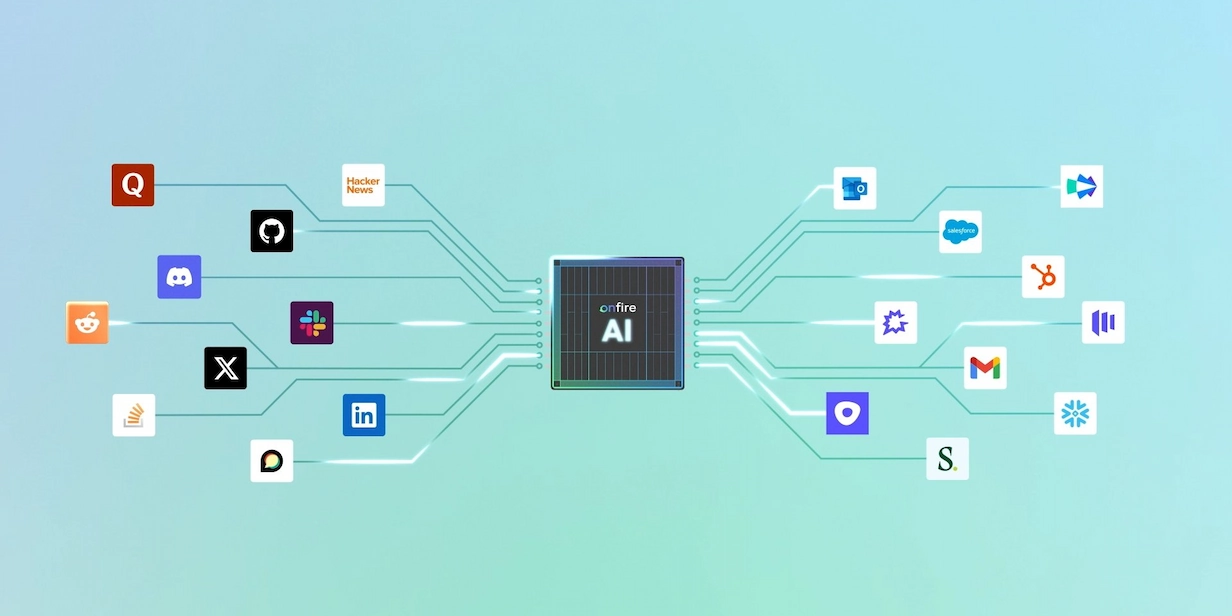
How to Build an AI Prospecting Agent That Knows Your Business with Onfire and Claude Cowork


Building an AI agent used to require an engineering team. Today, a BDR with a Claude subscription can set one up in an afternoon. However, left to its own devices, that agent will mostly serve as a (useful) summary of information available through a Google search.
An agent is only as useful as what it knows about your business. If you give it generic data and a vague prompt, it will automate guesswork. If you give it a well-defined ICP, guardrails, and priorities, it can take over a meaningful share of your research workload.
In this article, we'll walk through how to build a prospecting agent using Onfire as the intelligence layer and Claude Cowork as the execution agent.
What an AI Prospecting Agent Needs to Achieve
Your AI prospecting agent should be automating the time-consuming and tedious prospecting work that BDRs used to have to do themselves. When it works, it should - at the very least - tell each rep who they should contact, why now, and what to say; a more capable agent would also draft the message, ask for approval, then stage everything in the relevant sequencing tool.
It can be helpful to differentiate between prospecting agents and the legacy list-builders that you may have worked with in the past. A list builder filters a database for firmographic or job title data to produce a CSV file with potential ICP fits. While lists are helpful, they still leave your team with the unenviable task of researching and prioritizing each account.
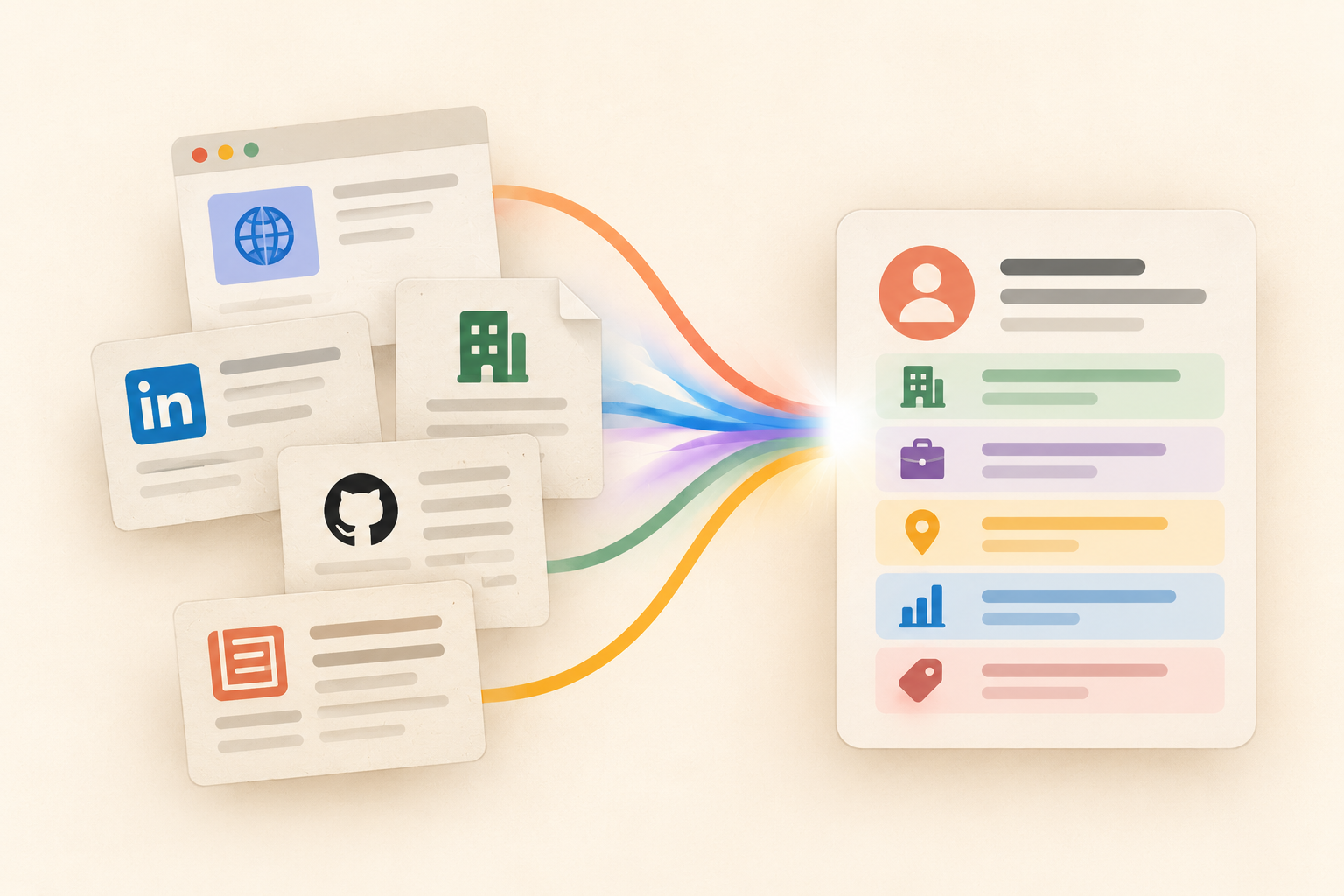
A prospecting agent goes much further. It takes your ICP definition and fuses third-party data, such as buying signals, with your CRM to see if an account is already an active opportunity. It then hands your reps a short, prioritized list with the evidence attached, so they can quickly decide whether the outreach makes sense.
If your agent's output still requires an hour of manual verification before a rep trusts it enough to hit send, you haven’t gotten it right yet.
The Building Blocks of a Working AI Prospecting Agent
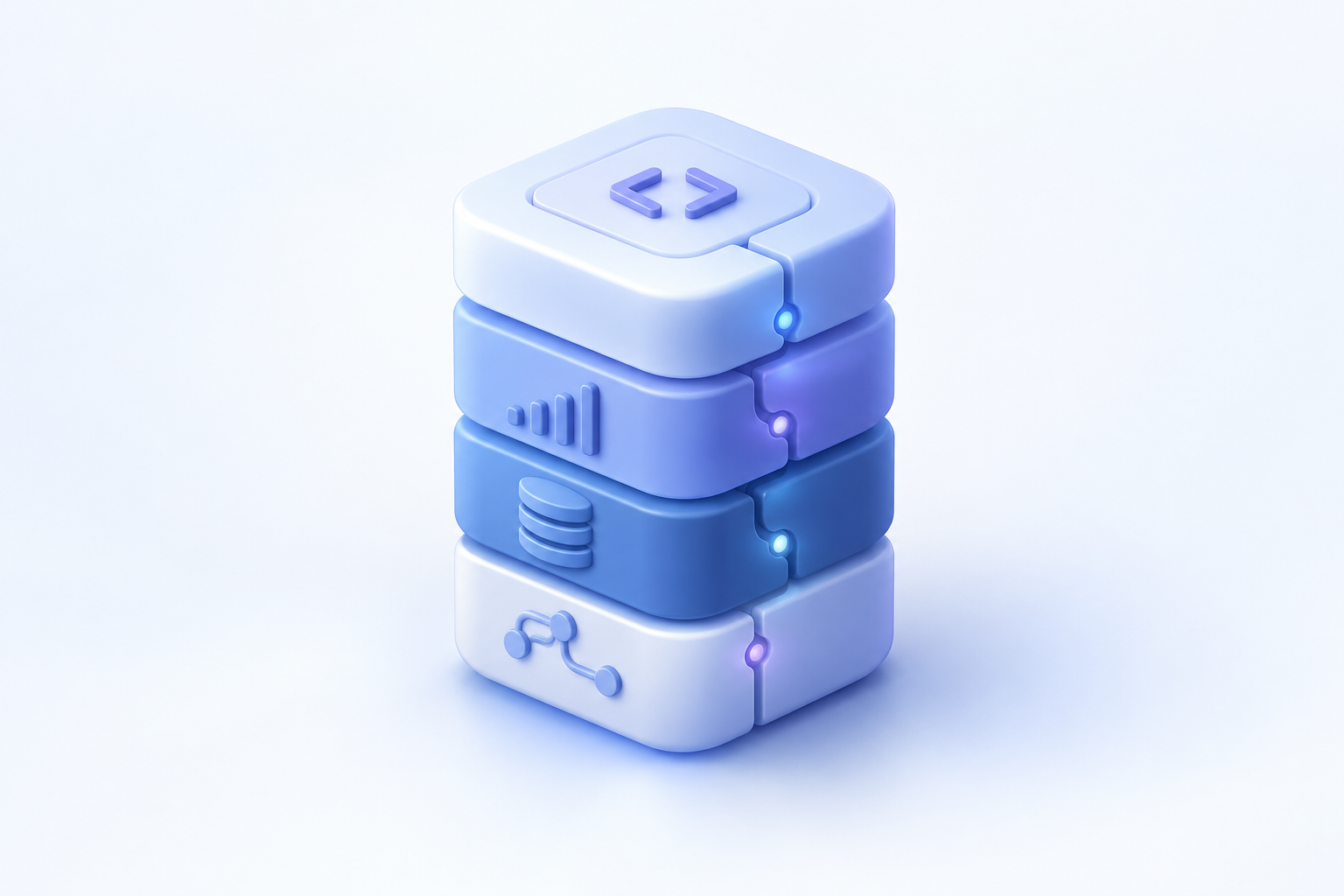
These are the four building blocks of an AI prospecting agent:
A reasoning model
Today you have many great options here: Claude, GPT, Gemini, as well as increasingly capable open source models (if you have a more technical team). Since every one of your competitors has access to the same frontier models you do, the model itself doesn't give you an edge.
Your business context
This means your ICP definition, your golden personas, your closed-won and closed-lost history, and your CRM state. An agent that doesn't know a target account churned two years ago, or that your champion persona is "the engineer who owns the Okta integration" rather than "the CISO", will keep making avoidable mistakes no matter how good its data is.
Data that fits your ICP
Cybersecurity buyers show intent in different ways than data management buyers. Standard list-builders hand you the same information for every ICP, but an agent can hone in on the signals that really matter for you. That’s why we built Onfire to track the places technical buyers care about, including OSS, community discussions, and conferences.
Tool access
Your agent needs a way to query data, read your CRM, and produce output in the places where reps already work. The Model Context Protocol (MCP) has become the standard way to wire this up, and it's what lets Onfire plug directly into Claude.
5 Steps to Build Your Own AI Prospecting Agent
If you assemble the building blocks in the right order, you can have a working agent in days rather than quarters.
1. Connect Onfire to your first-party data and your GTM motion
Every Onfire customer starts with a tailoring process: our team aligns with you on ICP-fit accounts and golden personas, tunes data collection to your specific market, and connects your CRM and first-party signals. This step is typically done for you within days. By the end of it, Onfire's Account Intelligence Graph reflects your business specifically: your accounts, your buyers, and your definition of intent.
2. Connect Onfire to Claude
Onfire’s MCP server makes it simple to connect to Claude in a few minutes. Simply add the connector, authenticate, and Claude can query your account intelligence in natural language.
We'll use Claude Cowork for the rest of this walkthrough. Cowork is Anthropic's agentic workspace: it runs on the same architecture as Claude Code, but in an interface built for non-developers, and it can execute multi-step tasks (research, file creation, CRM updates) with minimal supervision. It runs on desktop, web, and mobile, so a rep can kick off a workflow from their phone and review the output later at their desk.
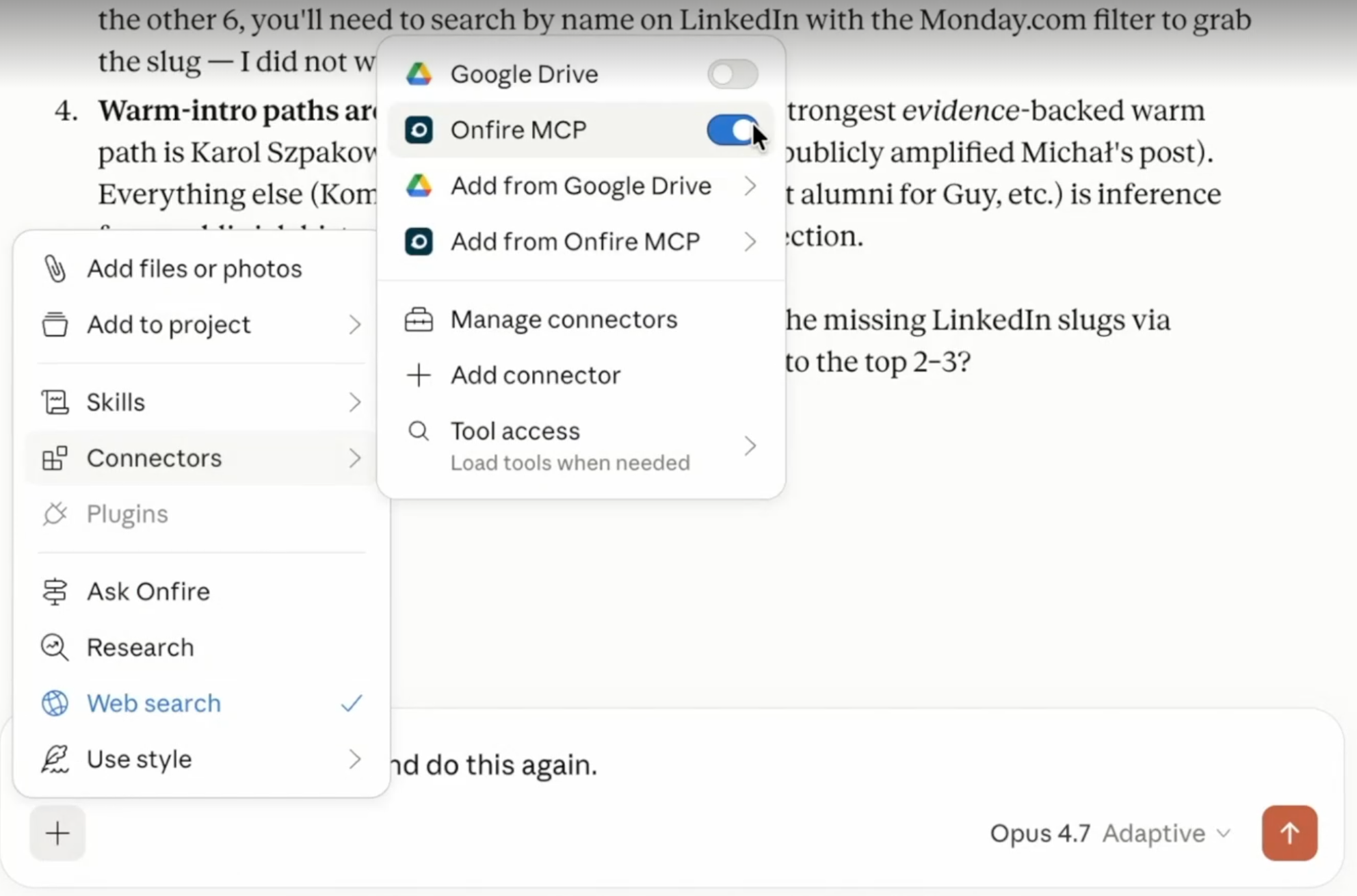
The same setup works with other agentic tools. OpenAI's Codex, or any MCP-compatible client, can connect to the same Onfire server.
3. Run your prospecting workflows using built-in skills
Skills are reusable instructions that tell the agent how to execute a specific workflow, and Onfire provides them out of the box. Instead of writing a paragraph-long prompt every morning, a rep can ask something like "run my daily prospecting workflow" and the agent already knows the steps: pull today's high-intent accounts from Onfire, check each one against the CRM for open opportunities and recent activity, rank by signal strength, and produce a briefing with evidence links for each prospect.
Here are a few examples of what this might look like in a real session:
- "Which of my accounts showed new buying signals this week? Cross-check against open opps and flag anything where the champion changed."
- "Prep me for the call with the SIEM migration prospect: pull their tech stack, recent community activity, and everything we have in HubSpot."
- "Find accounts in my territory where someone is evaluating Splunk alternatives, and draft first-touch messaging grounded in what they actually said."
Each of these would previously have been an hour of switching between tabs. As an agent workflow, it's a request in plain language, and because the answers come from Onfire's graph rather than the model's general knowledge, every claim traces back to a source the rep can inspect.
4. Give structured feedback to improve performance over time
Just like your reps, agents improve faster when you give them feedback. Every time the agent surfaces a prospect that turns out to be wrong (already a customer, wrong territory, misread signal), tell it what was wrong and why, right there in the session. When it gets one right, it helps to say that too.
And just as with a BDR, the more structured your feedback can be, the better. For instance, if you say, "Prospect #3 is in EMEA and I only cover North America. Always filter by my territory field in Salesforce," you’ve given your agent a rule it can apply from then on.
5. Keep a clean and up-to-date claude.md file
Your session feedback will fix a specific output, but for it to fix all future outputs as well, you should create a claude.md file. Essentially, this is a plain markdown file that Claude reads at the start of every session, and it should collect all your standing instructions in one place.
For instance, your prospecting agent's claude.md might include:
- Territory and segment rules: which accounts belong to which rep, and which segments to exclude
- Messaging guardrails: tone, forbidden phrases, and how to reference competitors
- Workflow conventions: output format for briefings, which CRM fields to always check, and when to flag something rather than act on it
- Learned corrections: every structured feedback item from step 4 that should apply going forward
If you have a dedicated RevOps engineer, they’ll likely want to make sure the md file doesn’t get cluttered. An agent following forty stale rules performs worse than one following twelve current ones.
How to Test an AI Prospecting Agent Before Rolling It Out
Don’t be fooled by an impressive demo. Before pushing any solution to your GTM organization, you should dig a bit deeper. Here are three factors to test:
Backtest against deals you already closed. Point the agent at market data from your most recent quarter and ask it to prioritize. If your actual closed-won accounts don't rank near the top of its list, the agent (or its data) is missing the signals that mattered.
Not only is this information useful, but this is also the cheapest test you can run, because you already know what the right answers are.
Run it in parallel with one rep for two weeks. Have your rep prospect manually as usual while the agent runs alongside, and then compare the lists. If your agent found prospects the rep missed, that’s great. But if it surfaced prospects that your rep discarded, you’ll need to fix your claude.md file before rolling it out.
Audit the evidence. Pick ten recommendations at random and click through to the underlying signals. Does the Reddit thread actually say what the agent claims? Is the identified person actually at that company? An agent whose evidence holds up under spot-checks will earn your reps' trust, while one that can't back up its claims tends to get quietly abandoned within a month.
When you measure results, look at replies and meetings booked rather than list length or theoretical hours saved.
Build Your Agent on the Evidence That Matters For Your Motion
The agentic part of this is easy. The hard part is building an intelligence layer that understands your context and delivers insights, not just data.
That's the part we've spent years building. Book a demo and we'll show you what your prospecting agent should know about your market.
FAQ
Do I need to code to build a prospecting agent?
No. Claude Cowork runs the same agentic architecture as Claude Code, but through an interface built for non-developers, with no terminal required. Connecting Onfire happens through an MCP connector you add in settings, and workflows run in natural language. The only "technical" artifact you'll maintain is a claude.md file, which is plain text instructions anyone on the team can edit.
What data sources should feed an AI prospecting agent?
Your first-party data, such as CRM records, product usage, past conversations, and closed-won history, as well as third-party signals like community discussions, OSS activity, conference attendance, and accurate technographics. Onfire combines both into one Account Intelligence Graph, so the agent reasons over a single, unified picture rather than stitching sources together.
How is a prospecting agent different from an AI SDR?
An AI SDR automates the outreach itself: it sends emails and messages on your behalf, often at high volume. A prospecting agent automates everything before the outreach: identifying accounts, finding the right person, collecting evidence, and prioritizing. Your reps still own the conversation. Given how buyers respond to automated messaging today, we'd argue the research is the better thing to automate.
Can a prospecting agent work without a clean CRM?
Yes, though a cleaner CRM makes it better. Onfire's third-party signals (community activity, technographics, OSS contributions) don't depend on your CRM at all, so the agent can surface net-new accounts and prospects from day one. A messy CRM mainly limits the first-party context, including deduplication, territory rules, and opportunity history. Many teams actually use the agent to flag and fix CRM inconsistencies as a side effect.
How long does it take to get an agent live?
Days, not months. Onfire's tailoring process, where our team configures your ICP, personas, and data connections, typically completes within days and requires no professional services contract. Connecting the MCP server to Claude Cowork takes minutes. Budget another two weeks for the parallel-run testing phase before full rollout, and you're looking at a functioning, trusted agent in less than a month.
.webp)









%20(1).webp)













































.webp)